Shared appointments
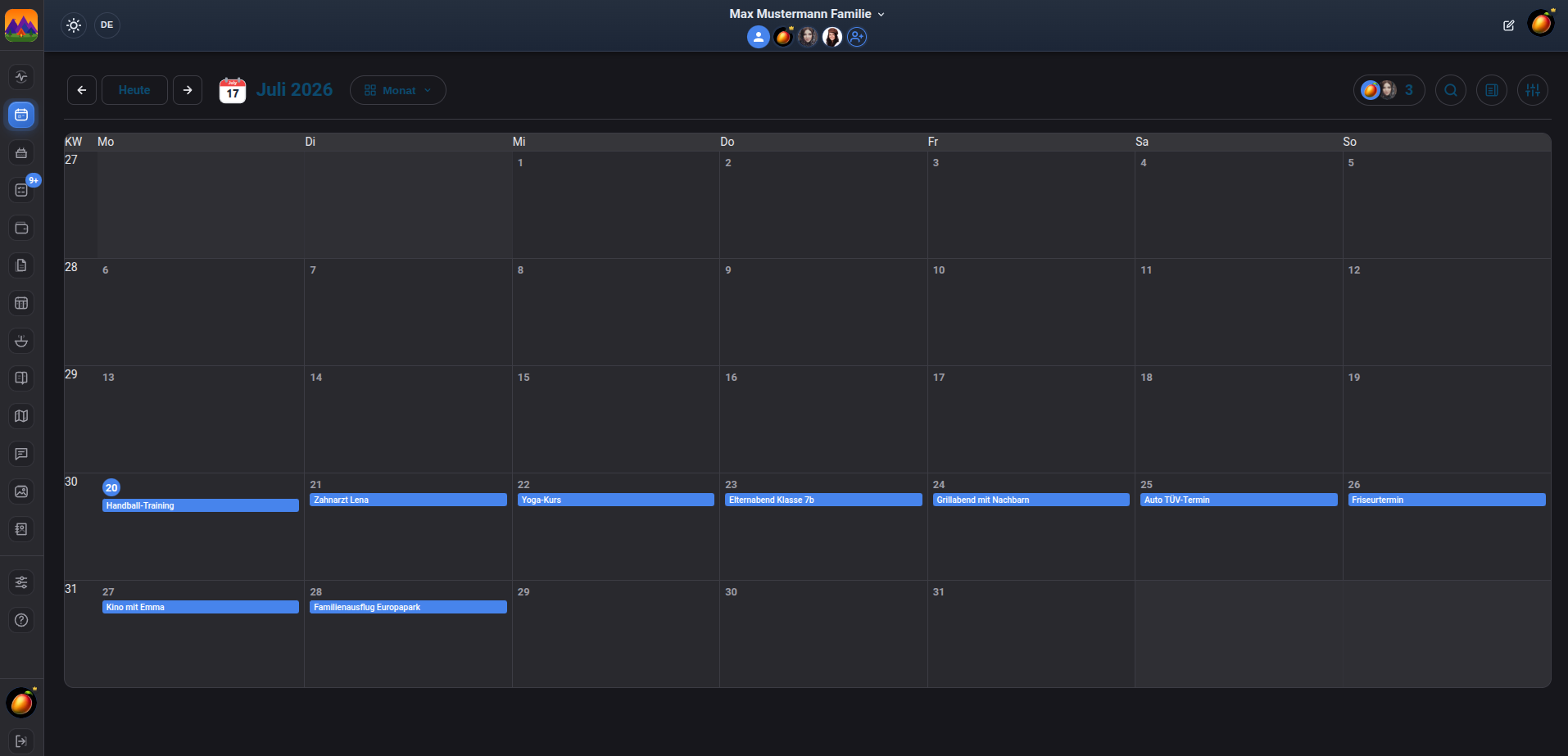
Birthdays, school events, appointments and meet-ups live in one family view.
Dumango Family combines shared appointments with household tasks, shopping lists and meal planning on hardware or a server that you choose.
Native Android companion: €3.99 · Samsung Galaxy Store · requires a running Dumango Family instance
For families, not a list of links
A family calendar helps when everyone can see the same week and small hand-offs do not disappear in messages. Dumango Family adds household tasks, shopping lists and meal planning, turning the calendar into a shared family planner.
Self-hosted family organizer: see every area in one overview →
Changes need to be passed on and information must be gathered again.
A date can sit beside household tasks, shopping and weekly planning.
The family calendar in everyday life
Birthdays, school events, appointments and meet-ups live in one family view.
An upcoming appointment can become a clear task that stays visible to the household.
Missing items go onto a shared list instead of staying in one message.
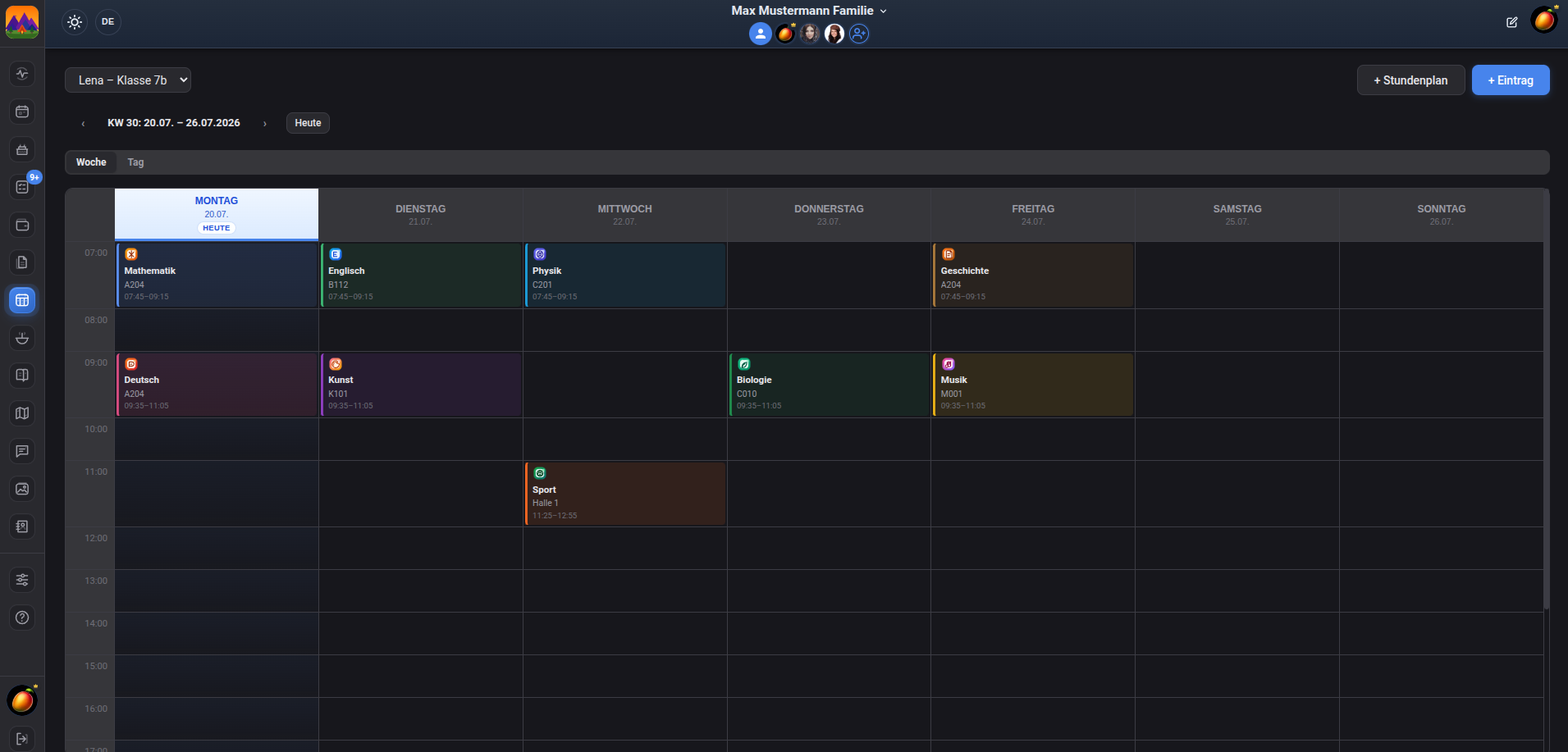
Meal planning connects the calendar week with the next shop and everyday family life.
Getting started with Docker
Dumango Family needs your own hardware or a server and Docker. The public project repository documents installation and configuration. The optional Android companion connects only after your own instance is running.
An honest start
The web app is not a third-party cloud service. It runs on hardware or a server your household operates.
The project documents Docker setup. Without a running instance, the Android companion cannot sign in.
The native Android app costs a one-off €3.99 and is available only through Samsung Galaxy Store.
Frequently asked questions
Yes. Dumango Family runs with Docker on your own hardware or server.
Yes. The self-hosted web app can be run free of charge. Your hardware, electricity, internet connection or external hosting may still have their own costs.
Yes. The web app combines a shared family calendar with household tasks, shopping lists and meal planning.
No. The optional Android companion is available exclusively through Samsung Galaxy Store and needs a running instance.
The next step
Set up your Dumango Family instance first. Then you can connect the native Samsung companion to that very family calendar.